
Your anime folder, as a library you can watch and track.
Point AniBeam at the folder your shows live in. It finds every series, matches it on AniList, plays episodes right in the window and keeps your list up to date.
Free and open source. Linux, Windows, Mac and Android.
Sousou no Frieren/Frieren - 01.mkvSousou no Frieren28 episodesDungeon Meshi/Dungeon Meshi - 07.mkvDungeon Meshi24 episodesBocchi the Rock/Bocchi - 12.mkvBocchi the Rock!12 episodesKusuriya/Kusuriya no Hitorigoto - 03.mkvKusuriya no Hitorigoto24 episodesVinland Saga S2/Vinland Saga - 18.mkvVINLAND SAGA Season 224 episodesMovies/Suzume (2022).mkvSuzume no TojimariFilm
Drop files in, get a library
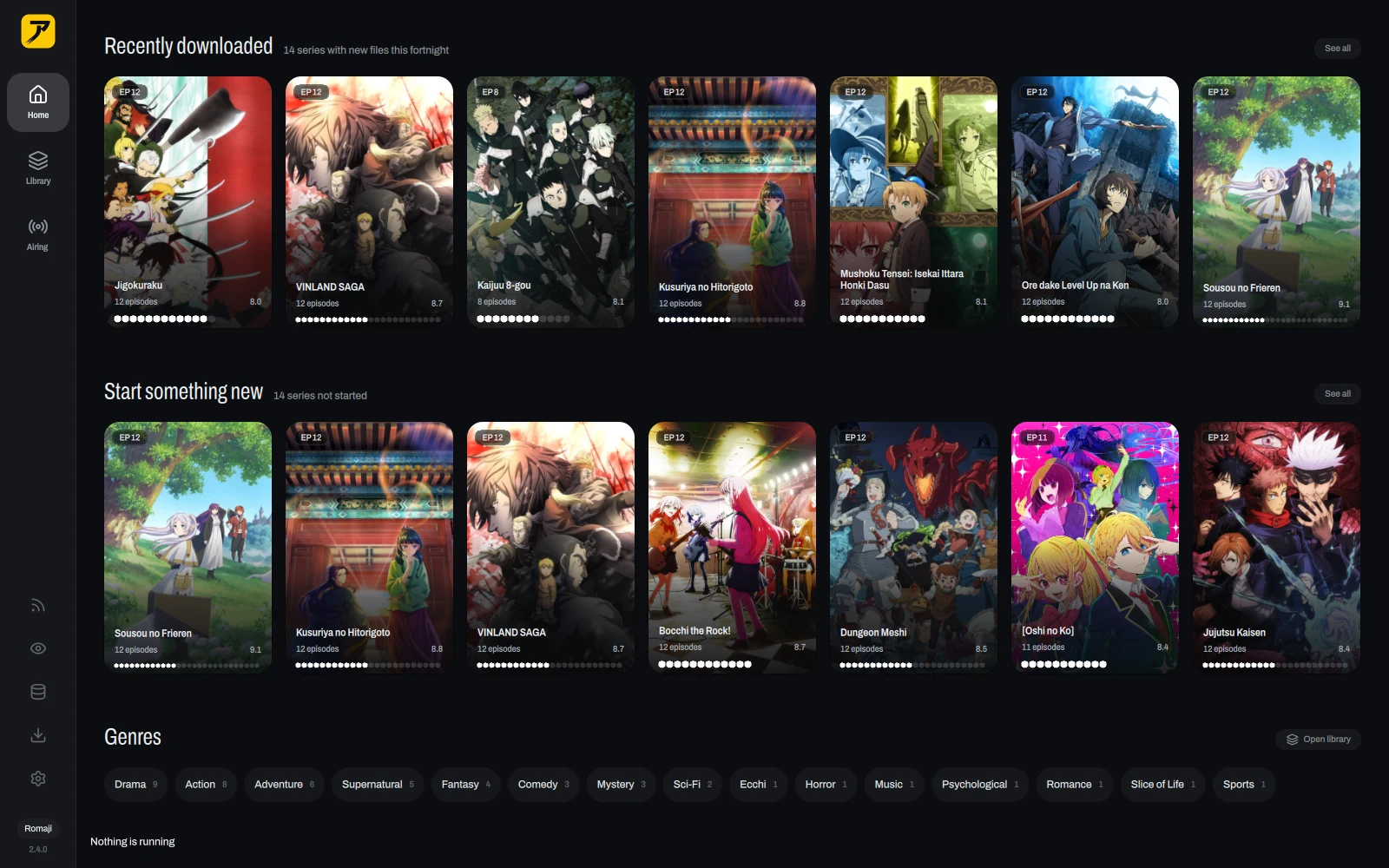
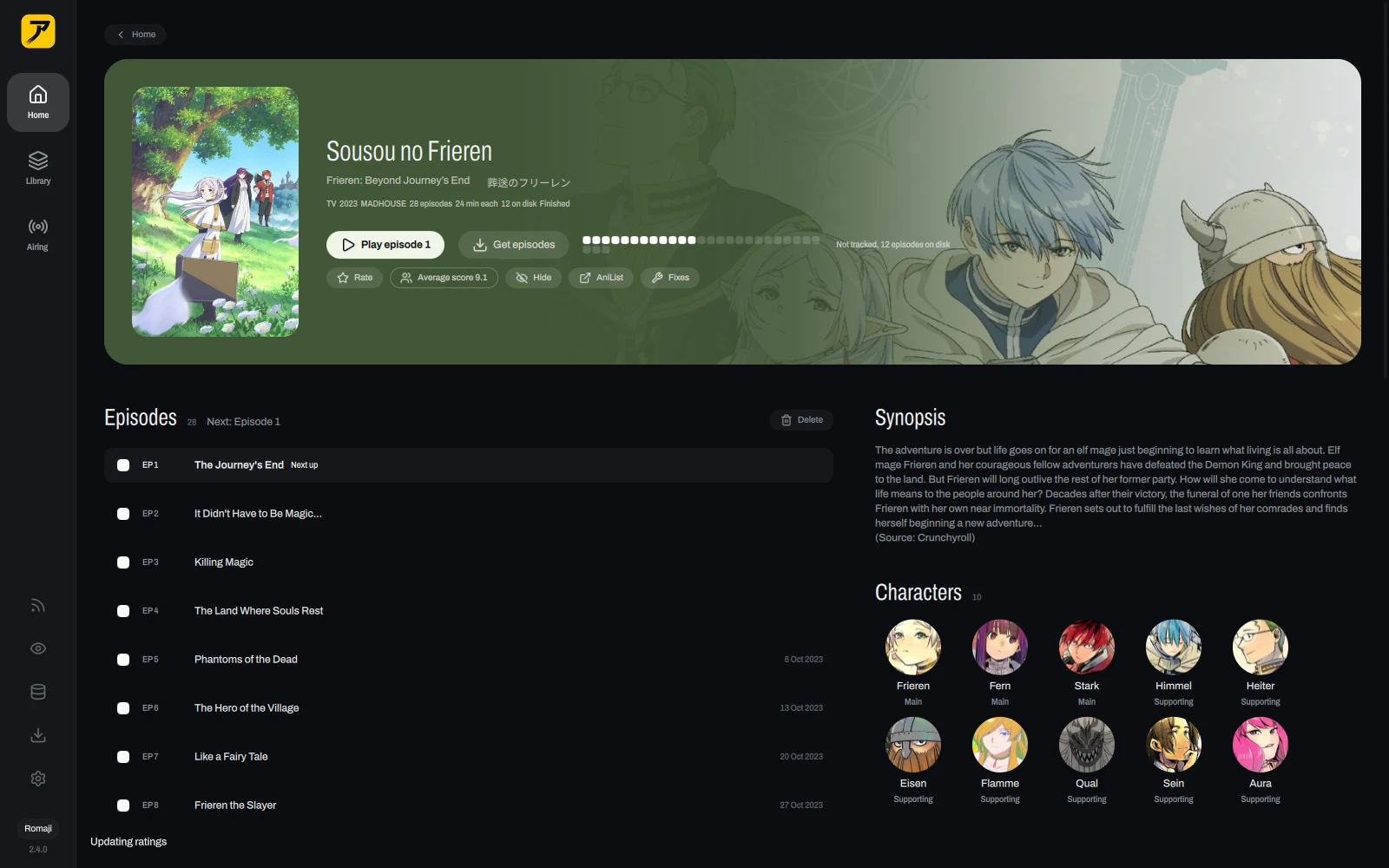
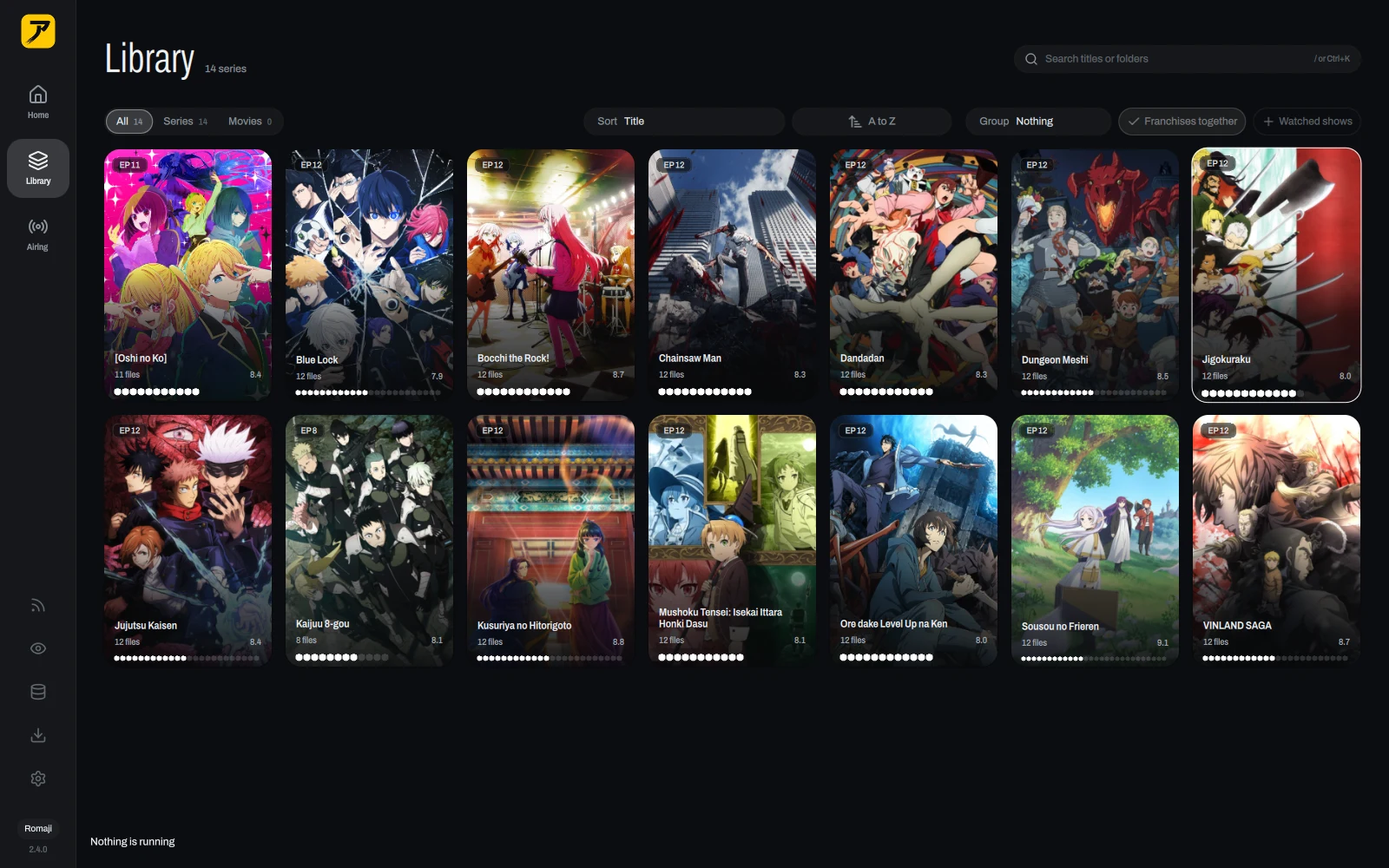
New files show up on their own, matched, with posters, synopses and what airs next. Nothing to import and no folder to rescan.
- Plays in the window
- Built on mpv. It remembers where you stopped, offers the next episode, and every key is one ? away.
- Tracks for you
- Watch most of an episode and it lands on AniList or MyAnimeList. Progress goes both ways.
- Knows what airs
- This season's shows, what is out now, and when the next episode lands.
- New episodes arrive
- Subscribe to a release once and every new episode downloads as it comes out. AniBeam ships with no sources; you add your own.
- Franchise graph
- Sequels, prequels and side stories on one map, so you know what to watch next.
- Thirty-five themes
- Catppuccin, Gruvbox, Tokyo Night and Nord among them, or the AniBeam ones.
- Updates itself
- Stable or Nightly, picked in Settings, with a What's new card after each update.
- A phone app
- Android keeps a library of its own and can stream yours from home over Tailscale.
Install
The newest version is on the releases page.
Linux
On Arch: yay -S anibeam-bin
The AppImage runs on Ubuntu 24.04, Debian 13, Fedora 40 and later. Make it executable, then open it.
Windows
Windows 10 and 11. Installs for you alone, no admin prompt. If SmartScreen stops it, click More info, then Run anyway.
Mac
With Homebrew: brew install --cask marcusbandit/anibeam/anibeam
macOS 15 and later, Apple silicon. The first launch asks once: System Settings, Privacy & Security, Open Anyway.
Android
Sideload it. It tracks to the same AniList or MyAnimeList account as your computer.
After that, AniBeam updates itself.
First steps
Add your library
Click Add a folder on Home and pick your anime folder. One folder per show works best.
Connect a tracker
Settings, Library, Trackers, Connect. Approve AniBeam in the browser and your list comes along. You can skip this.
Watch
Click a show, then an episode. Space plays and pauses.
Get new episodes
Add an endpoint repo in Settings, Downloads, install the sources you want, then subscribe to a show. Also optional.